ISO/IEC 27001 safety standard
Certified By
ISO/IEC 27001 safety standard
Certified By
8 min read

17 Best Invoice Software and Applications You Can Use (Free & Paid)

Published

Here are 17 recommendations for the best invoice software and applications that you can use, both free and paid. Read the full review on Mekari Jurnal!

An invoice is a transaction document that serves as proof of an exchange of goods or services that has already taken place. In general, invoices help businesses calculate profits more easily.

Typically, an invoice contains transaction details such as a list of purchased items or services, seller information, payment amount, and other essential components.

Some people also refer to invoices as sales invoices or receipts, although there are differences in function and the information included.

Creating invoices manually can be time-consuming due to the amount of data that needs to be filled in and also increases the risk of human error.

That is why many technologies today focus on simplifying the invoicing process digitally.

The availability of online invoice software that run on Android and iOS systems has become a practical solution for business owners to streamline buying and selling transactions.

To help you find the most suitable invoice software for your business type, here are 17 of the best invoice software you can choose from, both free and paid.

1. Mekari Jurnal

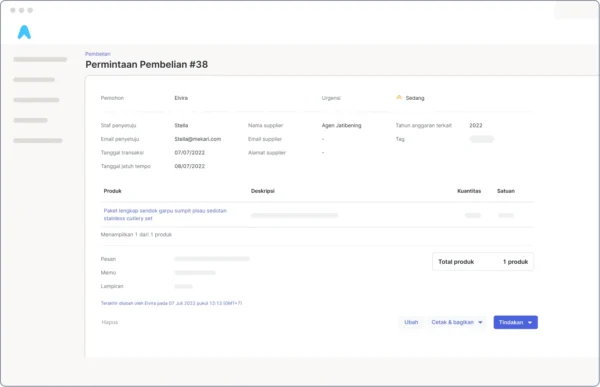
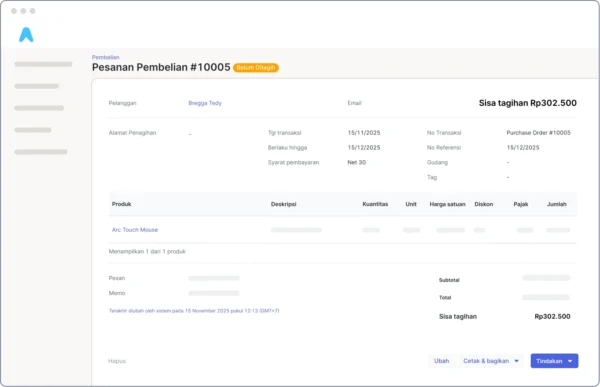
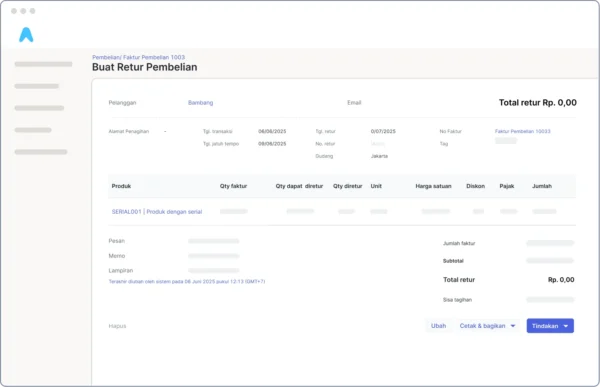
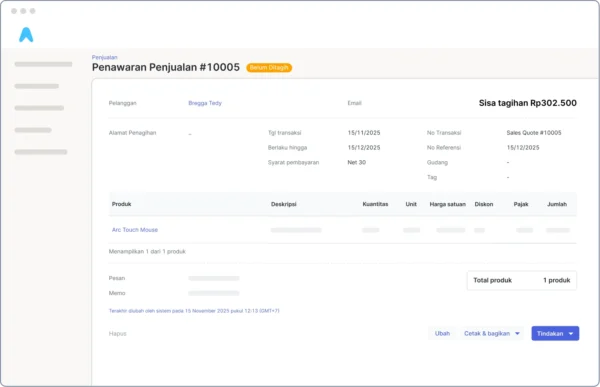
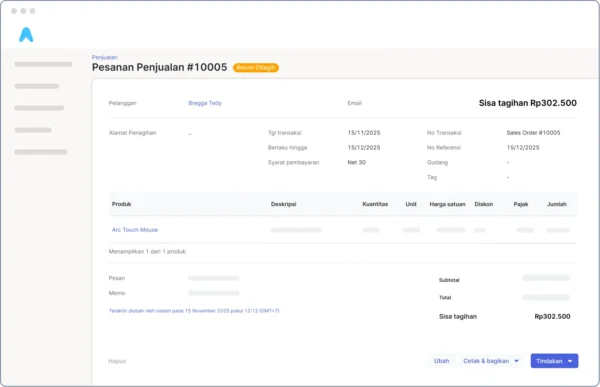
Mekari Jurnal is an accounting software that offers a wide range of features for managing business finances.

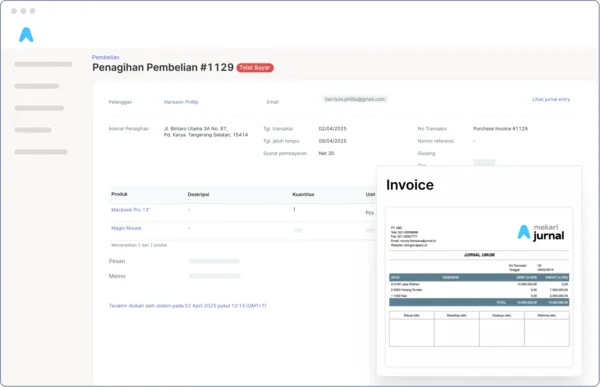
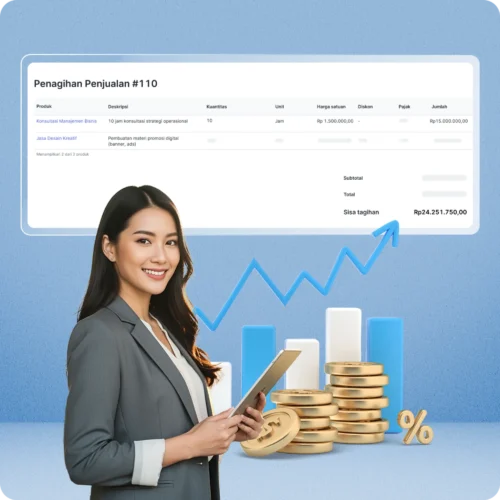
One of its key features is automatic invoice creation.

You can also try the invoice generator from Mekari Jurnal for free.

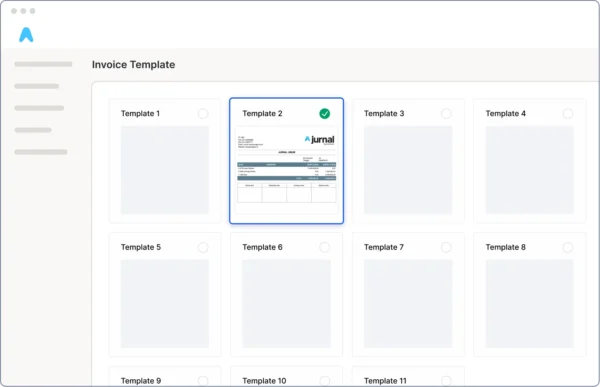
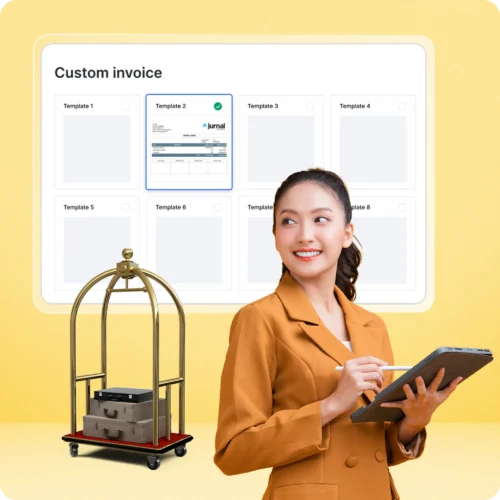
It offers 11 professionally designed templates suitable for various types of businesses, all of which can be customized according to your needs.

Key features and benefits of Mekari Jurnal include:

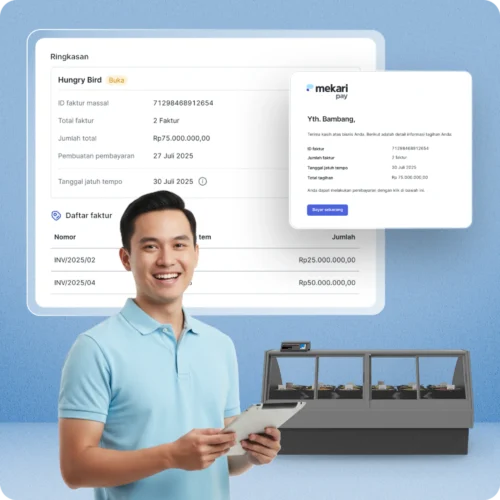
  • Easy tracking of invoices and tax documents from a single dashboard
  • Customizable transaction documents such as invoices, receipts, tax invoices, and payment slips
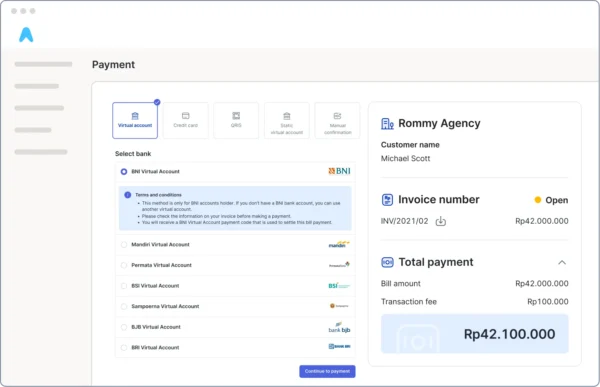
  • Flexible payment processing with multi-store support, offline and online transactions via Mekari Pay, automatically recorded as sales evidence
  • Scheduled invoice delivery with real-time invoice status updates
  • Comprehensive invoice reports for internal financial analysis
  • Seamless integration with accounting
  • Secure storage with internationally certified security standards

Mekari Jurnal also offers other powerful features such as financial reporting, cash and transaction management, accounting, taxation, budgeting, and product and inventory management.

If you are interested in using Mekari Jurnal as your business invoice solution, try it for free or contact the team to schedule a live demo.

Mekari Jurnal aplikasi invoice terbaik di Indonesia

2. Canva

As a graphic design and content creation platform, Canva also provides various invoice templates.

You can access dozens of free invoice templates for business and commercial use, with easy customization such as adding logos, changing fonts, and adjusting colors.

Upgrading to a Premium account unlocks even more features.

Additional benefits include:

  • Ability to add payment links for faster transactions
  • Beginner-friendly customization and printing process
  • Accessible anytime and anywhere on any device

Alternatif menggunakan Canva untuk membuat invoice online

Read more: What is ERP System? How Can It Help Your Business?

3. Zoho Invoice

Zoho Invoice is a cloud-based invoicing software suitable for micro, small, and medium-sized businesses.

It allows users to create invoices online and manage integrated payment transactions.

Key features include:

  • Secure integration with payment systems
  • A data-rich dashboard for detailed financial analysis
  • Automated invoice workflows with scheduling options
  • Multi-language and multi-currency invoice templates

Zoho aplikasi pembuatan invoice

4. Invoice2go

Invoice2go is an invoicing application designed to reduce administrative workload.

While its interface is simple and user-friendly, its features may be more limited compared to similar tools.

Notable features include:

  • High-level cloud-based security
  • Simple dashboard suitable for beginners
  • Advanced customer service features
  • Invoice2go is available via annual subscription, ranging from $60 to $400 per year

rekomendasi aplikasi invoice saat ini yaitu invoice2go

5. Wave Apps

Wave is a popular invoicing application ideal for micro and small businesses.

It is free to use and allows users to create invoices and manage financial reports.

Its main limitation is the restricted number of users (less than 9), making it less suitable for growing mid-sized businesses.

Key features include:

  • Comprehensive features despite being free
  • Intuitive and user-friendly interface
  • Invoice scanning for synchronization with other Wave tools

6. Invoicera

Invoicera helps businesses manage invoicing with professionally designed templates and automated workflows.

Key features include:

  • Three-layer security for data protection
  • Advanced and accurate financial reporting
  • Automated notifications and recurring payment reminders
  • Subscription plans start from $15 per month

aplikasi invoice invoicera

7. FreshBooks

FreshBooks offers attractive invoice templates and modern invoicing features.

You can try its features through a trial version, with full access available via paid plans starting at $17 per month.

Key features include:

  • Integration with over 100 third-party applications
  • Automated invoice creation and delivery
  • Multiple payment options
  • Invoice tracking and delivery history

freshbooks software accounting

8. Billdu

Billdu is available in both free and paid versions and is suitable for freelancers to professional accountants.

Paid plans start from $1.99 per month for one user up to $14.99 per month for 10 users.

Key features include:

  • Advanced invoice template customization
  • Accurate reporting and analytics
  • Multi-currency payments
  • Strong data security and server support

Read More: How to Make An Invoice, Create A Professional Look!

9. QuickBooks

QuickBooks is known for its beginner-friendly interface and digital billing system.

Features include:

  • Invoice and billing integration with digital banking
  • Automated cash flow management
  • Collaboration tools within one platform
  • Cloud-based high-level data security
  • QuickBooks is only available as a paid solution

10. Invoice Simple

Invoice Simple is suitable for new and small businesses.

Starting at $2 per month, users can enjoy features such as:

  • Direct invoice delivery to customers
  • Detailed transaction history storage
  • Customizable invoice formats
  • Read notifications when invoices are opened

invoice simple

11. Chargebee

Chargebee focuses on invoicing for SaaS and eCommerce businesses.

It offers automated billing workflows and multiple payment methods including cash, checks, and online payments.

Its strengths include a clean, interactive UI and seamless integrations.

chargebee

Read More: How To Choose The Right Invoicing System For Your Business

12. Fiverr Workspace

Previously known as And.co, Fiverr Workspace is a cloud-based invoicing solution for freelancers and small businesses.

Features include:

  • Automated invoice creation and scheduled delivery
  • Contract creation with e-signatures
  • Multi-currency payment acceptance
  • Task and project management tools
  • Pricing includes a free version and a Pro plan at $18 per month.

13. Kyrim

Kyrim is an Indonesian invoice software designed for small businesses and freelancers.

It offers simple and intuitive features, but has limited integrations for advanced business needs.

Key features include:

  • Professional, customizable invoice templates
  • Payment tracking and client management
  • Ideal for UMKM and service-based freelancers

Kyrim

14. Aspire

Aspire is an integrated digital finance platform that includes invoicing features.

It allows businesses to manage invoices, payment statuses, and cash flow in one system.

Key features include:

  • Real-time invoice creation and delivery
  • Synchronization with expense tracking and business accounts
  • Suitable for startups and online-based businesses

Aspire

Read More: Top 10+ Free Invoice Template Examples that Suit for Businesses

15. Peakflo

Peakflo targets mid-sized to large enterprises with automated invoice, payment, and cash flow management.

While powerful, it requires onboarding and comes with higher subscription costs.

Key features include:

  • Customizable internal workflows
  • Automated payment reminders via email and WhatsApp
  • Suitable for B2B and complex financial structures

16. Invoice Ninja

Invoice Ninja is an open-source invoicing software offering high flexibility.

It supports multiple currencies and languages, with time-tracking features for service professionals.

Its interface may feel technical for beginners.

Key features include:

  • Time tracking converted automatically into invoices
  • International payment and currency support
  • Ideal for agencies, consultants, and developers

Invoice-Ninja

17. Bookipi

Bookipi is a mobile-based invoicing app designed for individuals and micro-businesses.

Users can create invoices in seconds and store transaction history in the cloud.

Key features include:

  • Mobile invoice creation with professional designs
  • Automatic cloud-based income reports
  • Ideal for freelancers and home-based businesses

Bookipi

Those are the 17 best invoice software you can consider and choose based on your business model and operational needs.

We hope this article provides valuable insights and serves as a useful reference in selecting the right invoicing solution for your business.

FAQ About Invoice Software and Online Android Invoice Applications

1. What is an online Android invoice software?

An online Android invoice software allows users to create, send, and manage invoices digitally via the internet using smartphones or tablets.

2. Why should businesses use Android invoice software?

They enable faster billing, on-the-go invoicing, and easier payment tracking without returning to the office.

3. Can Android invoice apps work offline?

Some apps support offline usage and sync data once an internet connection is available.

4. What common features do Android invoice software offer?

  • Professional invoice templates
  • Invoice delivery via email or WhatsApp
  • Invoice status tracking
  • Due date reminders
  • Payment gateway integration

5. Popular Android invoice software include:

Mekari Jurnal, Zoho Invoice, Invoice2go, Billdu, and Bookipi.

6. Are Android invoice software suitable for all businesses?

Yes, from freelancers and small businesses to mid-sized enterprises.

7. Can Android invoice software accept payments directly?

Some apps provide payment links or gateway integrations for direct payments.

8. How do invoice software help cash flow?

Faster invoicing and automated reminders help accelerate payments.

9. Is invoice data stored and reportable?

Yes, most apps store invoice history and provide basic reports.

10. Are Android invoice apps secure?

Modern apps use cloud systems and data encryption to protect business data.

11. How to choose the right invoice software?

Consider ease of use, required features, scalability, pricing, and accounting integration.

12. Can Android invoice software integrate with accounting software?

Some apps support integration with accounting or ERP systems.

13. Are free Android invoice apps available?

Yes, many offer free or freemium plans.

14. Do invoice software support customizable templates?

Yes, most allow logo, color, and layout customization.

15. Key benefits compared to manual invoicing:

  • Faster and more organized
  • Reduced data entry errors
  • Easier tracking and reminders
  • Accessible anytime via mobile devices
Kategori : Uncategorized
WhatsApp Contact Us